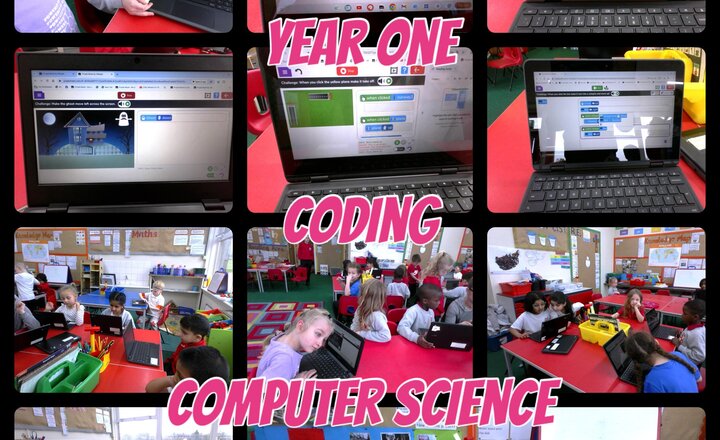
Year 1 - Computer Science - Coding
Year 1 enjoyed a great coding lesson in computing today. They made planes move along runways and take off by organising their code. Later they made scary ghosts and bats move across a haunted house!
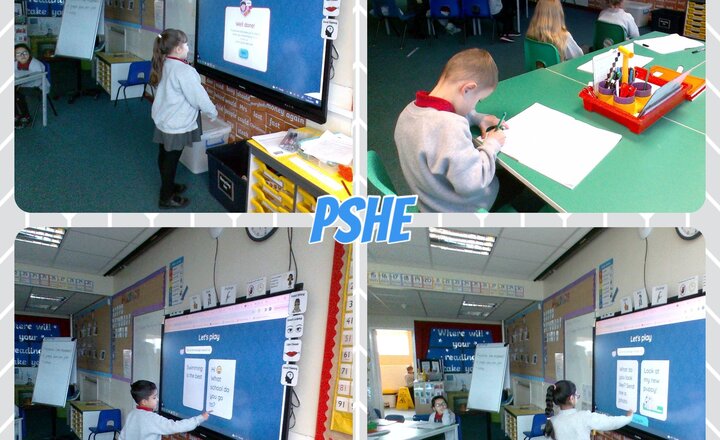
Year 2 - PSHE - Online Safety
In PSHE today, we had a discussion about what the internet is and how we can stay safe online. We focussed on staying safe when playing games and only playing with people we know. If we don't feel safe we TAG it - tell a grown up!
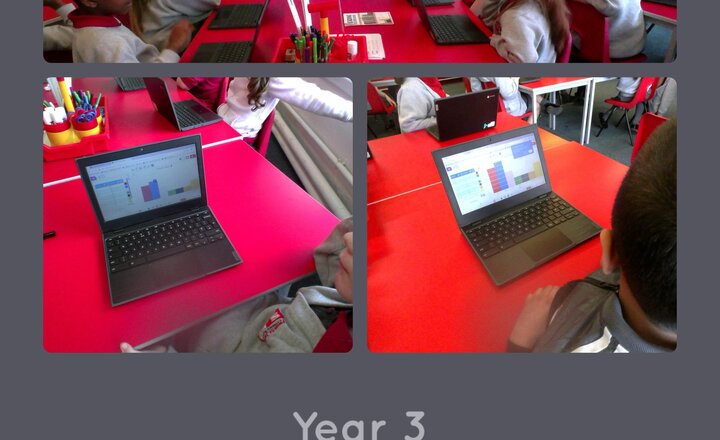
Year 3 - Computing - Graphs
Today in computing year 3 have been looking at graphs. They collected information on the children's favourite colours, then using 2 graph on Purple Mash made their graphs to show their results.
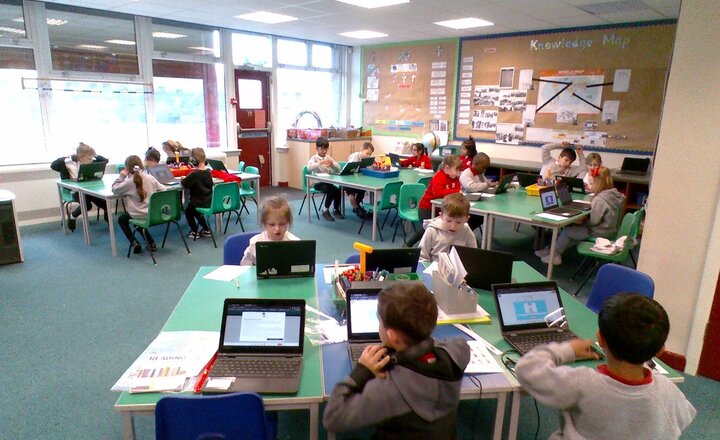
Year 2 - Computing - Binary
Computing- In computing this term we have been using 2 questions (a binary tree) to answer questions . A little like the Guess who game.
Year 4 - Computing - Creating Programs
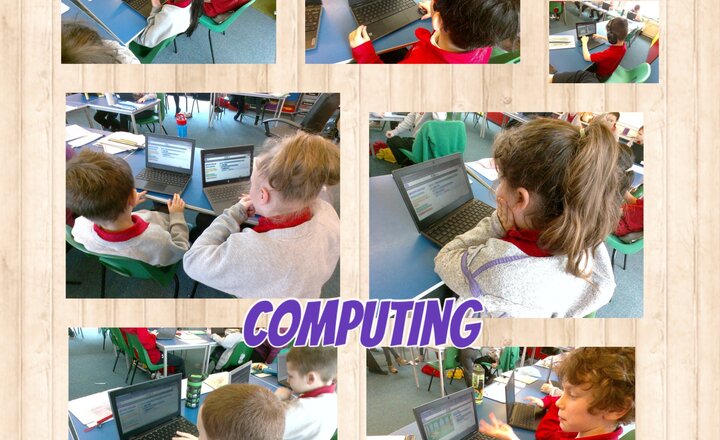
Year 4 have been using the 'IF' function in their computing to create their own programmes that only run on a specific set of commands.
Online Safety - Freedom of Speech
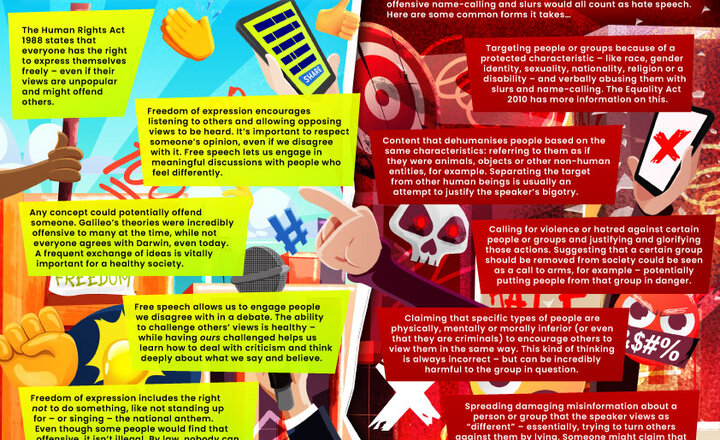
Freedom of expression is enshrined in international law. Some individuals, however, misunderstand the right to share their opinions as a license to target others with the most horrendous prejudice. So how do we balance people’s prerogative to have their voice heard against everyone’s right to live in a respectful, inclusive society? This conflict frequently unfolds in the digital world. Online posters can be falsely accused of hate speech, while actual hate is often defended as merely being ‘free speech’. To help children and young people learn to identify the boundaries and recognise genuine hate speech when they see it, our #WakeUpWednesday guide provides some helpful definitions and guidelines.
Online Safety - Settng Up Parental Controls
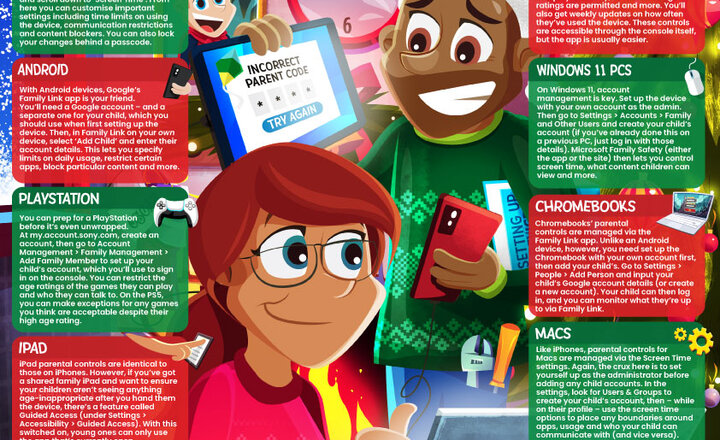
At this time of year, it’s highly possible that you have a new phone, games console or other digital device stashed somewhere at home, ready to be unwrapped. Many parents also prefer to place some protective measures on those gifts – to keep their child shielded from potential #OnlineSafety risks – while others would like to, but aren’t sure where to begin. Our guide shepherds you through the process of establishing parental controls on new internet-enabled devices, from smartphones to laptops to consoles. Simply find the device in question and read on to find out what options you have and how to enable them – letting children enjoy their shiny new gadget, without so much of the worry over where it might lead them.

Online Safety - The Online Safety Act
After a lengthy gestation period, the UK Government’s wide-ranging changes to the legislation around digital safeguarding have become enshrined in law as the Online Safety Act. The first of its kind in Britain, the act aims to improve protection for children online and clamp down on illegal material. Regulated by Ofcom, it will primarily impact social media platforms and companies which host user-generated content. The new legislation, however, also carries implications for schools and their staff. Although further developments are expected, our #WakeUpWednesday guide summarises the main points of the act that schools need to be aware of so far – outlining some specific areas that the new laws address and what effect, in practical terms, this will have on education providers.

Online Safety - Black Friday and Cyber Monday
Gone are the days of Black Friday only existing in the physical environs of the high street. Now, both this retail landmark and its sister event, Cyber Monday, see deals and discounts displayed across almost every online retailer. The array of reductions makes this an ideal moment to treat a loved one (or yourself!) to those treasured items for considerably less than their usual cost. The frantic dash for the best bargains online, however, also harbours several risks: chiefly, cybercriminals hoping to exploit people’s excitement and hoodwink them out of their hard-earned cash. Our #WakeUpWednesday has some expert pointers on keeping your both your money and your personal information safe while still making the most of the spectacular sales.

Year 4 Computing - Spreadsheets
Year 4 have been busy using spreadsheets to create a budget party using formulas and amending their wish list to their given budget.

Online Safety - Smart TVs
Smart TVs have become more affordable in recent years, making them readily available to most consumers. These more advanced systems offer numerous features beyond those of a normal television set – chiefly, the ability to access the internet and interface with popular streaming services without the need for a set-top box or other intermediary device. This increased functionality, however, also brings additional threats to privacy, security and more – as you’d perhaps expect from any device capable of going online. As TV is such a cornerstone of our home lives, these dangers can be uniquely difficult to manage. Our #WakeUpWednesday guide breaks down the major risks, with tips on helping children to enjoy TV … stress free.
The BBC micro:bits Have Landed!
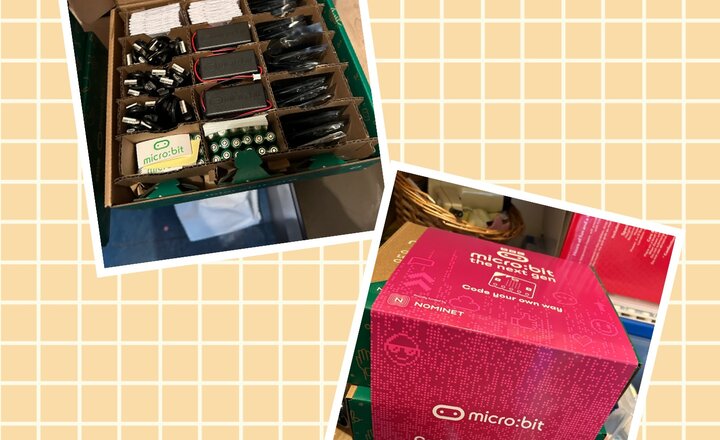
We received some new tech in school today, a set of 30 BBC micro:bits. The BBC micro:bit is packed with inputs, outputs, sensors and radio communication features. You can find put more here https://microbit.org/ We can’t wait to get started with these!
.png)